Download our app to activate unlimited calls and SMS to any Georgian operator, plus local & global mobile data plans. You can also enjoy free rich messaging.
Please check whether your mobile device is compatible with eSIM.
Dial *#06# — if the device supports eSIM, you will see an EID on the screen.
The device must also be unlocked.
2
Top up and purchase
You can top up your balance in the mobile app, through internet banking, or at PayBox terminals. Regional and local eSIM packages are available on the Packages page in the app.
3
Install eSIM with QR code
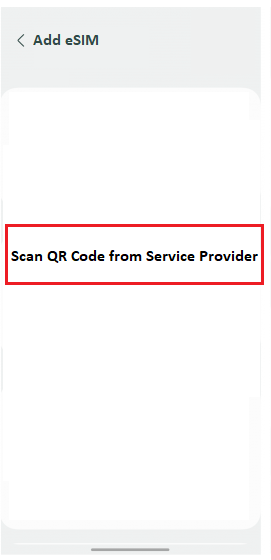
When you buy your first internet package, a QR code appears on the My eSIM page in the app. Scan it with your phone camera to install.
If you buy a package for the same country or region again, you will not need to scan a second time. For installation, your phone must be connected to Wi-Fi or your SIM card's internet. Otherwise the eSIM will not be installed.
4
Turn on eSIM
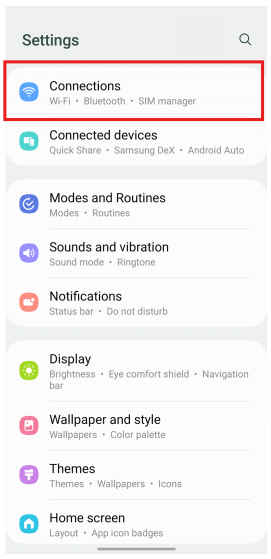
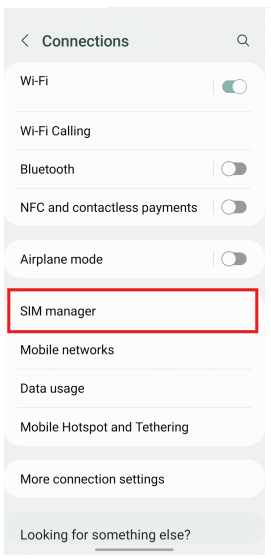
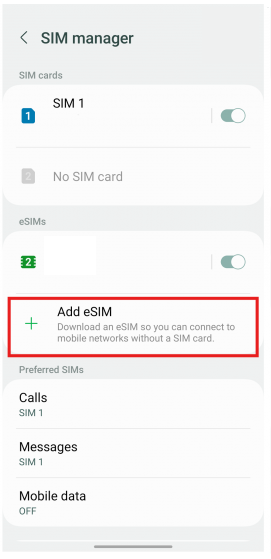
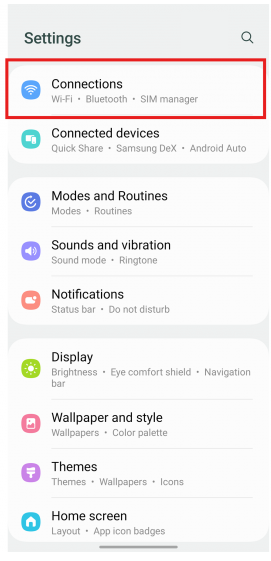
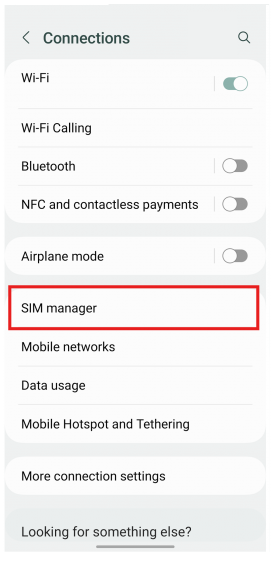
After scanning the QR code, go to Settings → Mobile Services, turn the Lagi eSIM on, and turn on Data Roaming. Then switch Mobile Data to the Lagi eSIM.
See the screenshots below for visual instructions.
Mobile Data is the internet connection — select a Lagi eSIM so the phone uses Lagi internet.
Default Voice Line is for incoming calls. Always select your SIM card here so you can receive calls.